Outtake 03 — Experiment

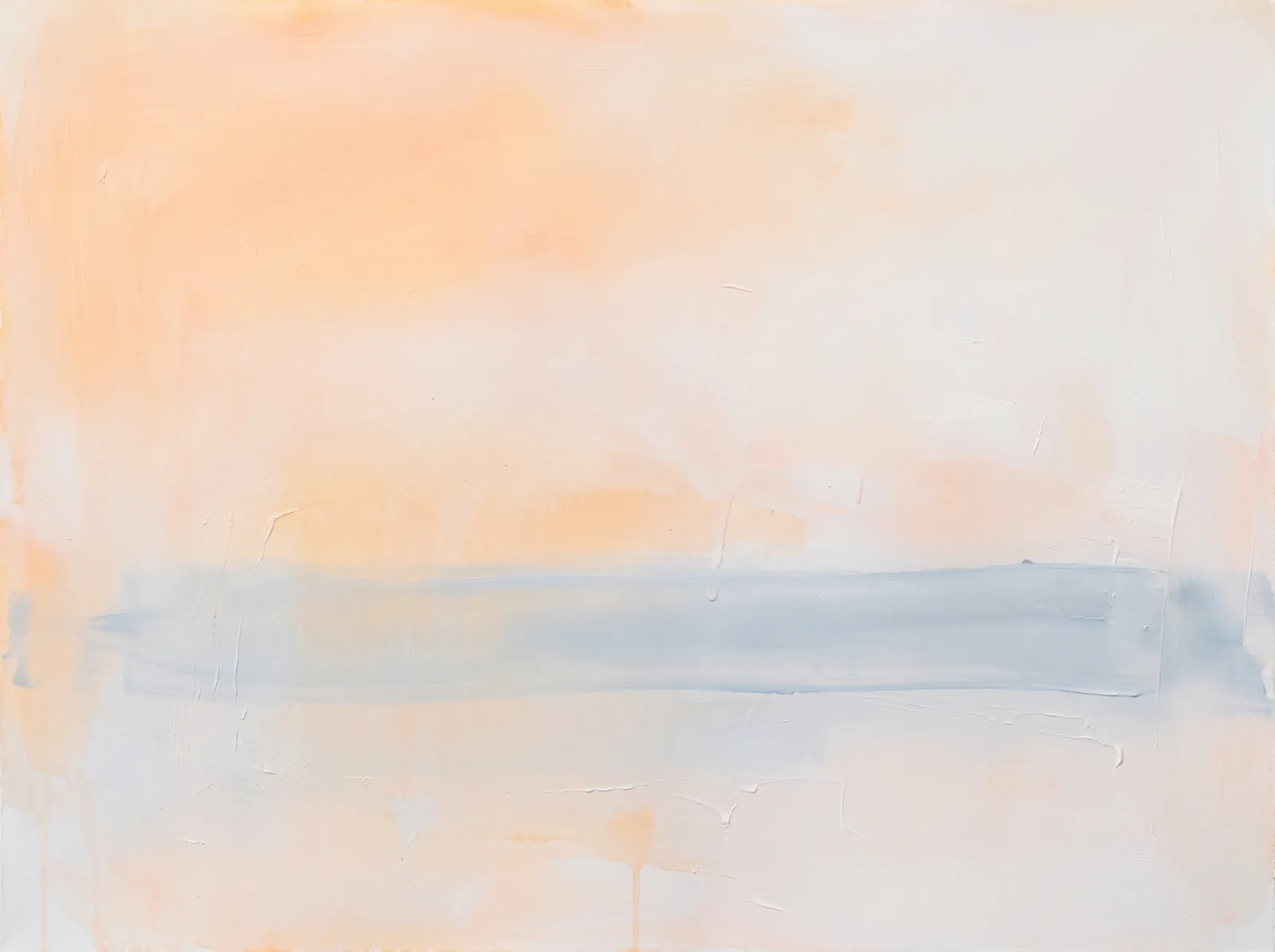
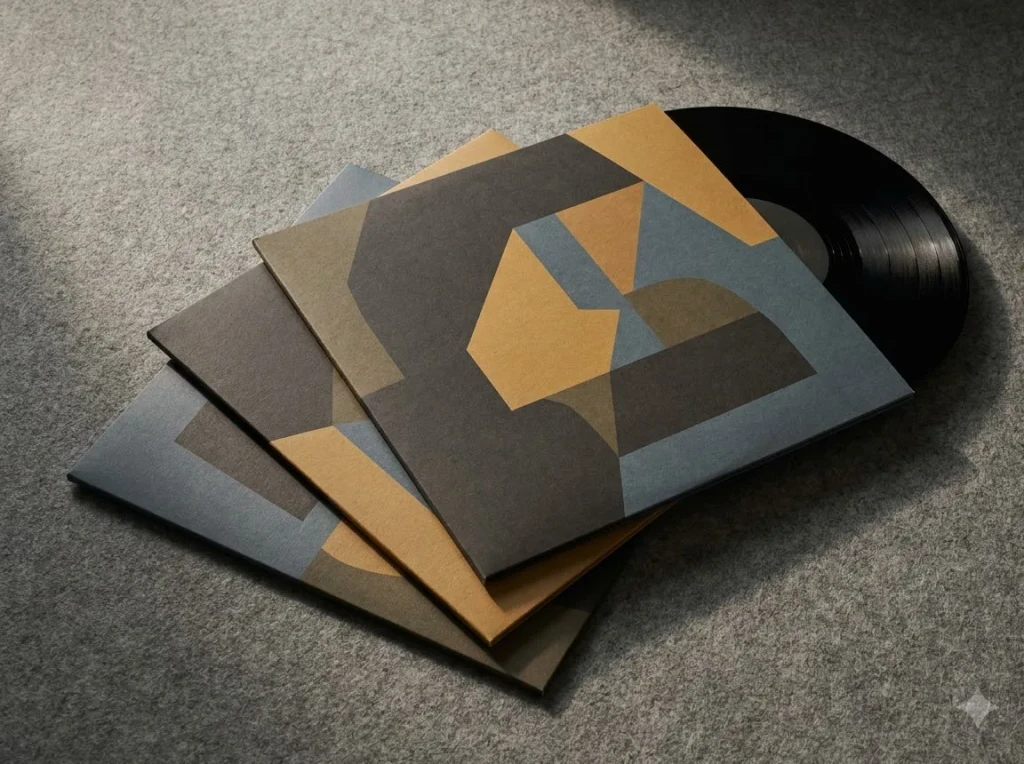
Mesh gradients you can paint.

Experiment2025WebGLGLSL

Shader gradients

01The idea

Every piece in the lab starts with a question I can't answer in a design file. This one was simple: what does it feel like when an interface answers back the moment you touch it?

I gave myself one weekend, one screen and one rule — nothing goes in unless it makes the thing more fun to use. No roadmap, no stakeholders, no pixel-perfect mockups. Just a sketch, a browser and a lot of small decisions made by feel.

02How it's built

It's a small React component with one animation loop. Pointer input goes in, a single eased value comes out, and everything on screen reads from that value through CSS variables.

  • One requestAnimationFrame loop for everything that moves
  • State lives in CSS variables, not in React renders
  • Works with a mouse, a finger and a keyboard
  • No animation library, under 4 kB gzipped
loop.ts
// one loop: read the input, ease, write a CSS variable
let x = 0, target = 0
addEventListener("pointermove", (e) => {
  target = e.clientX / innerWidth
})
function tick() {
  x += (target - x) * 0.12   // weight, not lag
  el.style.setProperty("--x", x.toFixed(3))
  requestAnimationFrame(tick)
}
tick()

03What I learned

Motion only feels good when it's honest about the input. Easing that trails a fraction behind the pointer reads as weight; easing that overshoots reads as a bug.

  • Tune the feel first, the look second
  • Test on a cheap phone, not on your laptop
  • Ship it small, then write down what surprised you
Most of what I use on client work today started as a weekend toy like this one.
Outtake 03 — Experiment

Mesh gradients you can paint.

Experiment2025WebGLGLSL

Shader gradients

01The idea

Every piece in the lab starts with a question I can't answer in a design file. This one was simple: what does it feel like when an interface answers back the moment you touch it?

I gave myself one weekend, one screen and one rule — nothing goes in unless it makes the thing more fun to use. No roadmap, no stakeholders, no pixel-perfect mockups. Just a sketch, a browser and a lot of small decisions made by feel.

02How it's built

It's a small React component with one animation loop. Pointer input goes in, a single eased value comes out, and everything on screen reads from that value through CSS variables.

  • One requestAnimationFrame loop for everything that moves
  • State lives in CSS variables, not in React renders
  • Works with a mouse, a finger and a keyboard
  • No animation library, under 4 kB gzipped
loop.ts
// one loop: read the input, ease, write a CSS variable
let x = 0, target = 0
addEventListener("pointermove", (e) => {
  target = e.clientX / innerWidth
})
function tick() {
  x += (target - x) * 0.12   // weight, not lag
  el.style.setProperty("--x", x.toFixed(3))
  requestAnimationFrame(tick)
}
tick()

03What I learned

Motion only feels good when it's honest about the input. Easing that trails a fraction behind the pointer reads as weight; easing that overshoots reads as a bug.

  • Tune the feel first, the look second
  • Test on a cheap phone, not on your laptop
  • Ship it small, then write down what surprised you
Most of what I use on client work today started as a weekend toy like this one.
Outtake 03 — Experiment

Mesh gradients you can paint.

Experiment2025WebGLGLSL

Shader gradients

01The idea

Every piece in the lab starts with a question I can't answer in a design file. This one was simple: what does it feel like when an interface answers back the moment you touch it?

I gave myself one weekend, one screen and one rule — nothing goes in unless it makes the thing more fun to use. No roadmap, no stakeholders, no pixel-perfect mockups. Just a sketch, a browser and a lot of small decisions made by feel.

02How it's built

It's a small React component with one animation loop. Pointer input goes in, a single eased value comes out, and everything on screen reads from that value through CSS variables.

  • One requestAnimationFrame loop for everything that moves
  • State lives in CSS variables, not in React renders
  • Works with a mouse, a finger and a keyboard
  • No animation library, under 4 kB gzipped
loop.ts
// one loop: read the input, ease, write a CSS variable
let x = 0, target = 0
addEventListener("pointermove", (e) => {
  target = e.clientX / innerWidth
})
function tick() {
  x += (target - x) * 0.12   // weight, not lag
  el.style.setProperty("--x", x.toFixed(3))
  requestAnimationFrame(tick)
}
tick()

03What I learned

Motion only feels good when it's honest about the input. Easing that trails a fraction behind the pointer reads as weight; easing that overshoots reads as a bug.

  • Tune the feel first, the look second
  • Test on a cheap phone, not on your laptop
  • Ship it small, then write down what surprised you
Most of what I use on client work today started as a weekend toy like this one.
FRAME 10 — Contact

Studio 1 · Rec

Tell me what you are making. I reply within a day with next steps and a rough plan.

Start a project

FRAME 10 — Contact

Studio 1 · Rec

Tell me what you are making. I reply within a day with next steps and a rough plan.

Start a project

FRAME 10 — Contact

Studio 1 · Rec

Tell me what you are making. I reply within a day with next steps and a rough plan.

Start a project
Prod.Portfolio 2026
SceneFooter
Take1
RollA-09
DirectorMara Voss
Date 
Buildmain · 9f3c1a

Thanks for watching to the end. Say hello, I read every message and reply within a day.

Write to mehello@maravoss.design

Create a free website with Framer, the website builder loved by startups, designers and agencies.